10 Essential Cybersecurity for Remote Workers Tips to Stay Safe in 2026
Remote work has become a permanent part of modern business. While working from home offers flexibility and convenience, it also creates new security risks. Cybercriminals often target remote employees because home networks and personal devices can be easier to exploit.
In 2026, cybersecurity for remote workers has become more important than ever as businesses continue expanding hybrid and fully remote teams.
Why Cybersecurity for Remote Workers Matters in 2026
Remote employees often access sensitive business systems from different locations.
This creates security challenges such as:
- Unsecured Wi-Fi networks
- Personal device vulnerabilities
- Weak passwords
- Phishing attacks
- Data leaks
Without strong protection, remote work can expose businesses to serious cyber threats.
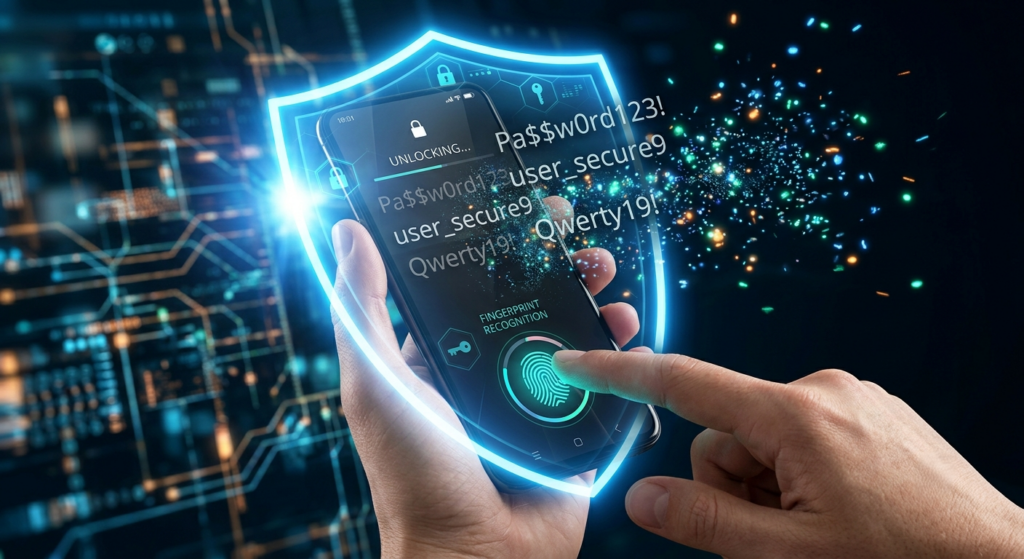
1. Always Use Strong Passwords
Passwords remain the first line of defense.
Remote workers should create passwords that are:
- Long
- Unique
- Complex
Using the same password across multiple platforms increases risk.
Password managers can help store and generate secure credentials.
2. Enable Multi-Factor Authentication
Multi-factor authentication adds an extra security layer.
Even if a password is stolen, attackers still need another verification step.
This significantly reduces account compromise risks.
MFA should be enabled for:
- Email accounts
- Cloud services
- Company platforms
- Banking systems
This is now standard for remote work security.
3. Use Secure VPN Connections
Public internet connections can be dangerous.
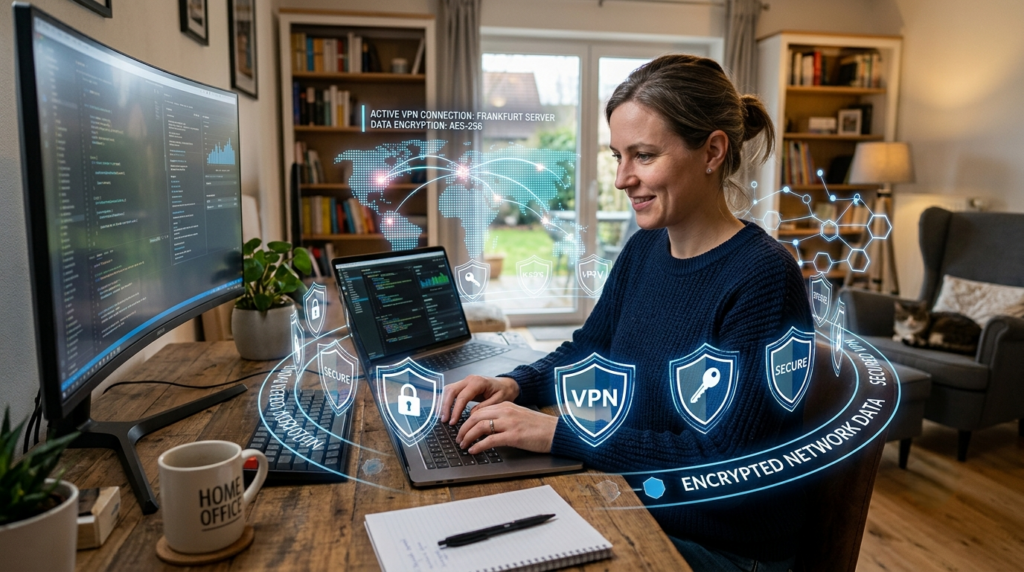
VPNs encrypt traffic between devices and company systems.
This protects data from interception.
Companies like Cisco Remote Work Security offer advanced remote access solutions.
VPN use is essential for secure home office setups.
4. Keep Devices Updated
Outdated devices are easier to attack.
Workers should regularly update:
- Operating systems
- Browsers
- Security software
- Applications
Updates often include important security patches.
This reduces exposure to known vulnerabilities.
5. Avoid Public Wi-Fi for Sensitive Work
Public Wi-Fi networks can be risky.
Hackers may monitor unsecured networks.
If public Wi-Fi is unavoidable:
- Use a VPN
- Avoid sensitive logins
- Use encrypted websites
This improves online safety.
6. Watch Out for Phishing Emails
Phishing remains one of the biggest cyber threats.
Attackers often send fake emails pretending to be:
- Employers
- Banks
- Delivery services
- Software providers
Remote workers should verify suspicious messages carefully.
Awareness is one of the strongest defenses.
7. Secure Home Networks
Home routers should not use default settings.
Important steps include:
- Change default passwords
- Enable WPA3 encryption
- Update router firmware
- Disable unused services
A secure home network improves overall protection.
8. Use Zero Trust Security Models
Modern companies are moving toward Zero Trust.
This model assumes no user or device should be trusted automatically.
Platforms like Cloudflare Zero Trust help businesses secure remote teams.
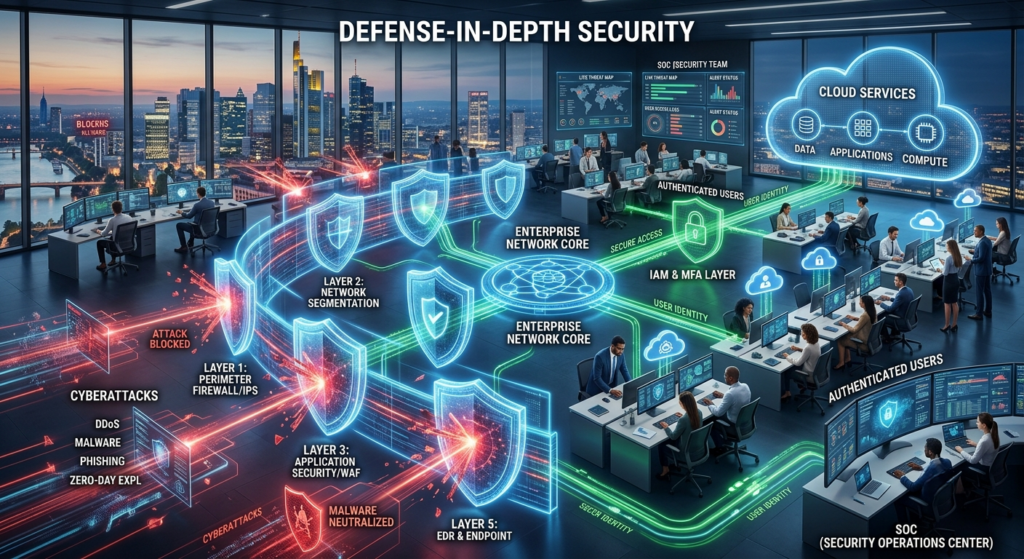
Zero Trust is becoming one of the strongest remote security strategies.
9. Separate Work and Personal Devices
Mixing work and personal use can increase risks.
Separate devices help reduce exposure from:
- Unsafe downloads
- Personal apps
- Gaming software
- Untrusted websites
This creates cleaner and safer work environments.
10. Regular Security Training
Human error remains one of the biggest cybersecurity weaknesses.
Regular training helps remote employees understand:
- Phishing attacks
- Safe browsing
- Password safety
- Data protection
Training improves awareness and reduces mistakes.
Challenges in Remote Cybersecurity
Remote work continues creating new security challenges.
More Attack Surfaces
More devices mean more potential entry points.
Limited IT Control
IT teams have less direct control over home environments.
Personal Device Risks
Personal devices may not meet company security standards.
Businesses must address these risks proactively.
The Future of Remote Work Security
Security for remote teams will continue evolving.
Future trends include:
- AI-powered threat detection
- Better identity verification
- Smarter VPN systems
- More advanced Zero Trust networks
As remote work grows, stronger security practices will become even more important.
Final Thoughts
Cybersecurity for remote workers is essential in today’s digital workplace. In 2026, protecting remote employees requires stronger passwords, secure networks, VPNs, and better training.
Companies that invest in remote work security can reduce risks and protect valuable business data in an increasingly connected world.
9 Powerful Sustainable Data Centers Trends Transforming Green Technology in 2026