
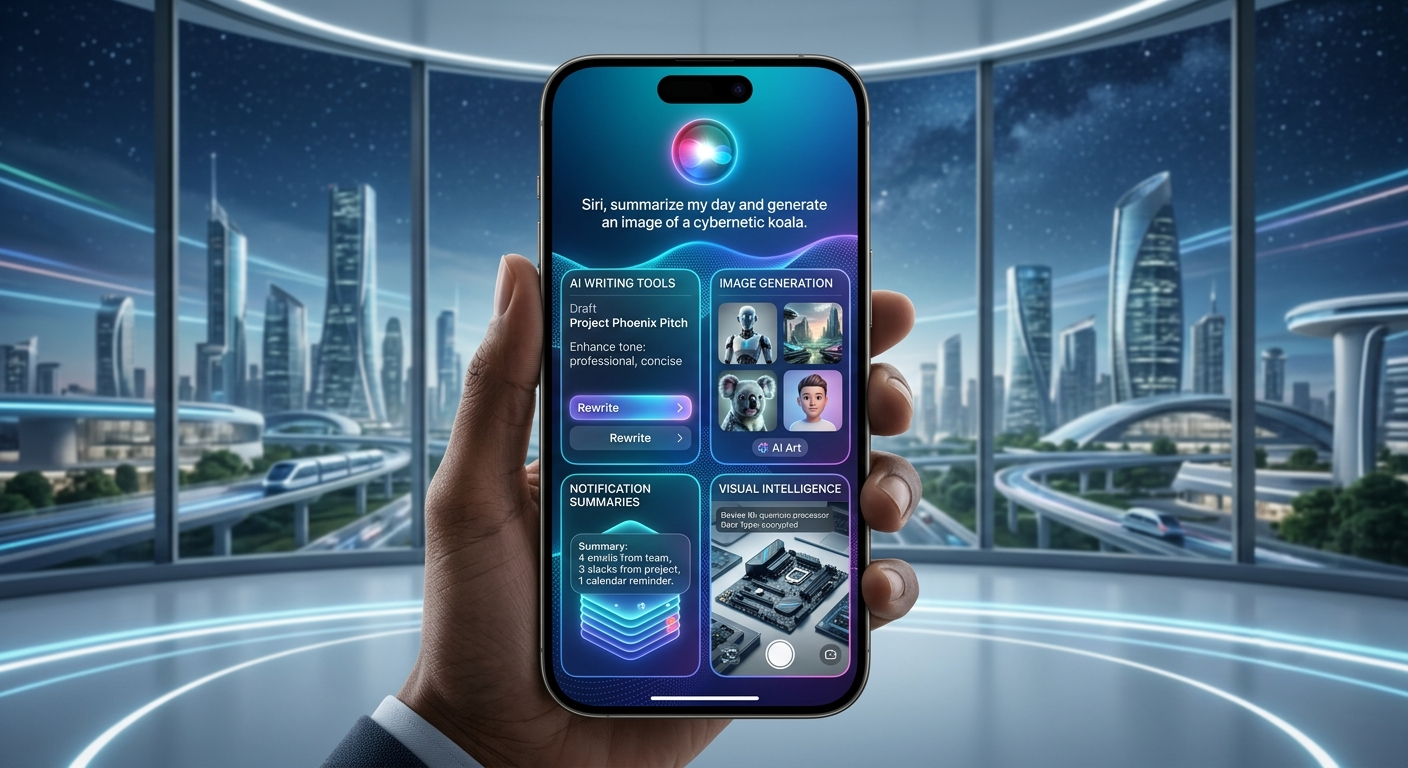
Apple Intelligence: 9 Powerful Features Transforming the iPhone Experience
Artificial intelligence is reshaping how people interact with technology, and Apple has entered this new era with Apple Intelligence. Rather than focusing only on cloud-based AI, Apple combines powerful on-device processing with secure cloud computing to deliver intelligent features while maintaining its long-standing commitment to user privacy.
Integrated across iPhone, iPad, and Mac, Apple Intelligence enhances everyday tasks such as writing, communication, image creation, productivity, and personal assistance. Instead of introducing a standalone chatbot, Apple has embedded AI throughout its ecosystem, making existing apps smarter and easier to use.
By combining advanced language models with Apple’s custom silicon, the platform delivers many AI capabilities directly on the device. When more computing power is needed, Private Cloud Compute extends these features while protecting user information.
In this article, we’ll explore nine powerful features that make Apple Intelligence one of the most significant software updates in Apple’s history.
What Is Apple Intelligence?
Apple Intelligence is Apple’s integrated artificial intelligence platform built into iOS, iPadOS, and macOS.
Rather than functioning as a separate application, it enhances many existing Apple services and applications.
Core capabilities include:
- intelligent writing assistance
- smarter Siri interactions
- image generation
- notification summaries
- email organization
- privacy-focused AI processing
Its goal is to simplify everyday tasks while keeping sensitive information protected.
1. A Smarter Siri
One of the biggest improvements is Siri.
Powered by Apple Intelligence, Siri understands natural conversations more effectively and maintains context across multiple requests.
New capabilities include:
- conversational responses
- better language understanding
- improved follow-up questions
- app awareness
- personal context
- deeper system integration
Rather than simply responding to isolated commands, Siri can now assist with more complex workflows and everyday productivity.
🔗 Official Resource: APPLE
2. AI Writing Tools
Writing has become one of the strongest features of Apple Intelligence.
Built directly into compatible Apple applications, these tools help users:
- rewrite text
- proofread documents
- summarize long content
- adjust writing tone
- generate quick responses
- improve grammar
Whether drafting emails, preparing reports, or editing messages, AI-powered writing assistance helps save time while improving clarity.
3. Intelligent Notification Summaries
Managing notifications can quickly become overwhelming.
Apple Intelligence automatically summarizes multiple notifications, allowing users to understand important updates without opening every application.
Benefits include:
- cleaner notification management
- faster information review
- reduced distractions
- priority organization
- improved productivity
- better daily workflow
This feature is especially useful for users receiving large volumes of emails, messages, and application alerts.
4. Image Playground
Apple has also introduced creative AI features through Image Playground.
Users can generate custom images for presentations, conversations, invitations, and creative projects using simple descriptions.
The system is designed to integrate naturally into Apple’s ecosystem while providing intuitive image generation tools that remain easy to use for everyday users.
Unlike professional design software, Image Playground focuses on quick creativity directly within supported Apple applications.
5. Visual Intelligence Makes Your Camera Smarter
One of the standout capabilities of Apple Intelligence is Visual Intelligence, which helps users understand and interact with the world around them using their device’s camera.
Depending on the app and supported features, users can:
- identify landmarks
- recognize plants and animals
- summarize information from posters
- extract text from images
- add events to calendars
- search for products and objects
Instead of manually typing searches, users can simply point their camera at an object and receive relevant information almost instantly.
6. Privacy Comes First
Unlike many AI platforms that depend heavily on cloud processing, Apple Intelligence has been designed with privacy as a core principle.
Many AI tasks are processed directly on Apple devices using Apple Silicon.
When additional computing resources are required, Apple uses Private Cloud Compute, which is designed to process requests without permanently storing personal data.
Privacy benefits include:
- on-device AI processing
- encrypted cloud requests
- minimized data collection
- transparent security architecture
- strong user control
- seamless ecosystem integration
This privacy-first approach helps Apple differentiate its AI platform from many competing services.
7. Better Productivity Across Apple Devices
Apple Intelligence works across the Apple ecosystem, making everyday workflows more efficient.
Examples include:
- summarizing emails
- organizing notes
- creating reminders
- improving document editing
- intelligent search
- automatic message prioritization
Because these capabilities are integrated into existing Apple apps, users can access AI features without installing additional software.
8. Apple Intelligence vs Samsung Galaxy AI
Both Apple and Samsung have invested heavily in artificial intelligence, but their approaches differ.
| Feature | Apple Intelligence | Samsung Galaxy AI |
|---|---|---|
| Privacy Focus | Excellent (On-device + Private Cloud Compute) | Strong (Hybrid AI Processing) |
| Writing Assistance | Yes | Yes |
| Image Generation | Image Playground | Generative Edit |
| Voice Assistant | Enhanced Siri | Bixby + Galaxy AI |
| Ecosystem | Apple Devices | Galaxy Devices |
| Best For | Apple Users | Android Users |
Rather than competing on a single feature, both companies aim to integrate AI deeply into their ecosystems, giving users a more intelligent and seamless experience.
9. The Future of Apple Intelligence
Apple continues expanding its AI capabilities across hardware and software.
Future developments may include:
- smarter Siri conversations
- enhanced productivity tools
- more powerful image generation
- improved developer APIs
- expanded multilingual support
- deeper app integration
- intelligent automation
- new AI experiences across Apple devices
As Apple Silicon becomes more powerful, more AI tasks are expected to run locally, improving both performance and privacy.
🔗 Official Resource: https://developer.apple.com/apple-intelligence/
Challenges Facing Apple Intelligence
Although Apple Intelligence introduces many useful features, several challenges remain.
Device Compatibility
Many advanced AI capabilities require newer Apple devices with supported Apple Silicon, meaning older hardware cannot access the full experience.
Regional Availability
Some features become available gradually and may launch at different times depending on language or region.
Competition
Apple faces strong competition from Google, Samsung, Microsoft, and OpenAI, all of which continue expanding their own AI ecosystems.
User Expectations
As AI develops rapidly, users expect frequent improvements, broader app support, and increasingly capable digital assistants.
Should You Upgrade for Apple Intelligence?
Consider upgrading if you:
- frequently use AI productivity tools
- own an older iPhone
- want a smarter Siri experience
- create documents and presentations regularly
- value on-device privacy
You may want to wait if you:
- already own a recent compatible iPhone and do not rely heavily on AI-powered features
- prefer to wait until more Apple Intelligence features become available in your language or region
Official Resources
🔗 Official Resource: Apple
🔗 Developer Resource: Developer Apple
➡ Read Also: Edge AI: 8 Powerful Ways Intelligence Is Moving Closer to Devices
➡ Read Also: Samsung Galaxy Z Fold 8: 10 Exciting Features That Redefine Foldable Smartphones